帝国入境所
中文官网
兵长提尔在大统一战争中出色的表现为他赢得了“长枪使提尔”的美称,他的功勋和威名在军队中无人不知晓,无人不称赞。所有人(包括他自己)都以为他会在战争结束后一路升官,在军队中担任要职,但他最后却被莫名其妙地调度到了刚刚成立的国家安全局。国家安全局的局长奥莉维亚·里德尔解释说这是因为世界在变化,只懂得舞刀弄枪的武夫终将被时代淘汰,他们的位子也会被踏实勤恳的文职人员所取代。出于服从命令的军人天性,提尔接受了这一任命,成为了新帝国的一名入境检查官,但他很快就发现,这份工作并不像他想象得那么单纯……
🗂️ 快速下载
📋 游戏秘籍
作为边境检查站的检查官,您的职责是对每一个想要通过检查站的旅客进行检查,确保他们的文件不存在问题,入境理由也合理可信。但旅客们手中的文件可并不简单,您需要逐一核对文件上的日期,照片以及各种信息,只要有一项不符合标准,您就必须将这位旅客拒之门外。另外,您每天的工作时间是有限制的,而您能获得的报酬取决于您在这段时间内正确检查的旅客数量。也就是说,您既要在规定的时间内检查尽可能多的旅客,又要保证在检查时不犯下差错。
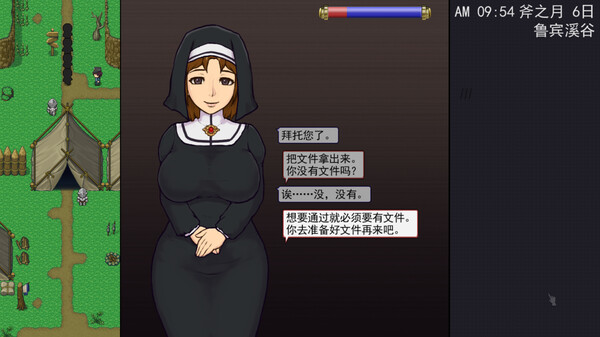
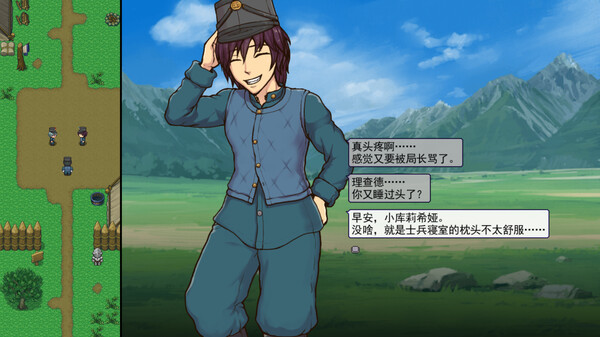
随着剧情的推进,您将会获得晋升至更高级别的检查站的机会,但如此一来检查时的条条框框也会逐渐增加。如果您想要维持稳定的收入,那就必须眼尖心细,不放过文件上的任何一个可疑之处。此外,一些极端分子还会在入境时随身携带危险物品,所以如果有必要的话,您需要亲自制服这些极端分子,妥善地处理这些危险物品。
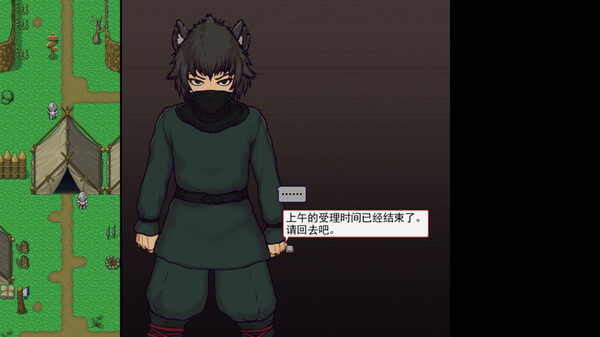
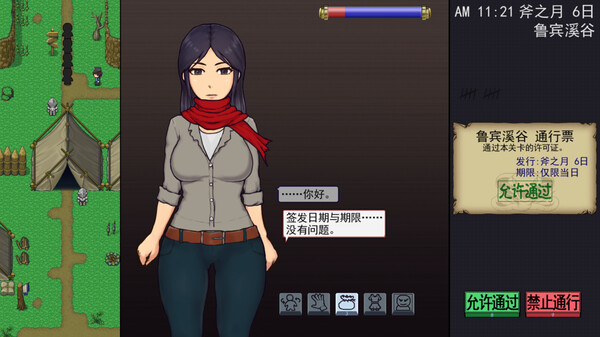
您也可以利用您的工资从旅行商人手中购买各种能够提高检查效率的工具。无论是能瞬间检测出违禁品的金属探测仪,还是能够降低旅客们压力的焦虑缓解香水,都能为您的工作打开一扇扇便利之门!
♿ 快速下载帝国入境所
准备好开启冒险了吗?
高品质
活跃社区
完全免费