梦幻西游单机

下载,无限仙玉版
下载,无限仙玉版
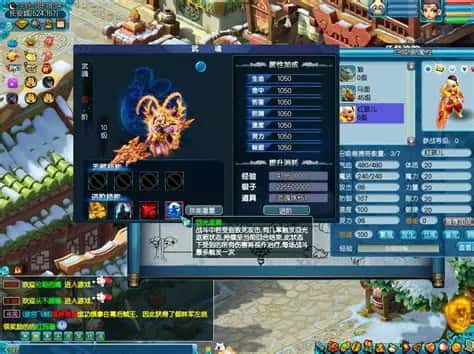
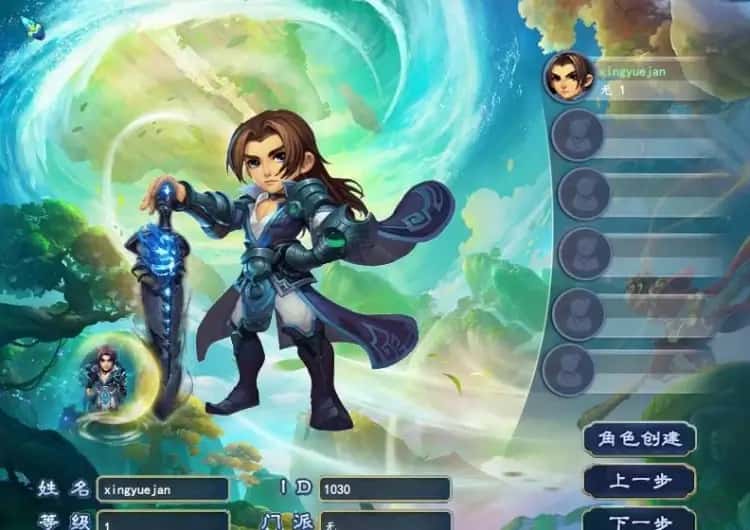
梦幻西游单机梦江南版本,一直是很受欢迎的经典版本,任务完善,玩法仿官。很多小伙伴一直在找,今天终于有了全套源码,包括网关源码和GM工具源码。版本还配有手机端文件(有兴趣自行研究)。 !
游戏大小:5G左右
支持系统:win7/10/11 64位系统
产品介绍说明:全套源码+GM工具+双端编译教程+局域网外网架设视频教程
重要说明必看!!:
1、梦幻西游单机版本包括全套源码,及建架设设教程。虽说已经很完善,但不保证完美!这点老手应该都知道,只要是网单就一定存在BUG,不可避免
2、本站录制了详细的局域网及外网架设教程(外网请根据视频教程自行研究,本站不参与!)源码仅供个人学习使用,请勿商用!
产品介绍:梦江南版本,一直是很受欢迎的经典版本,任务完善,玩法仿官。很多小伙伴一直在找,今天终于有了全套源码,包括网关源码和GM工具源码。
版本还配有手机端文件(有兴趣自行研究)。 !

[新增]新增会员卡功能共享仓库.共享召唤兽仓库.
[优化]同等级法宝只能携带一个,优化成可携带二个.
[新增[新增灵饰自选礼包.装备自选礼包。
[新增]增加超级赐福系.召唤兽可通过携带技能数量增加赐福进化。
[新增]防官超级技能43个!依据防官属性
[新增]文韵墨香环任务,可在长安文韵使者处领取.积分可兑换商品
[新增]新增超级红孩儿。恶魔泡泡,超级飞镰,自在心袁,进阶沙暴,超级神柚

梦幻西游单机 [新增[挑战GM.每天可挑战1次
[新增]各礼包物品,双倍掉宝符.钟馗令牌.副本重置丹
[新增]门仿官房屋系统,优化房屋
[所增]修改比武大会,1v1.3v3.5v5模式,优化比武
[新增]门新童子之力,副本BOSS挑战每天可以挑战3次。
[新增]新轮回境,共7层.
[新増]新22套新祥瑞.通天塔10层到100层称号
[新增]新雁塔地宫共100层,全新自定义可任意修改。
[新增]新26套战斗锦衣.16套全新光环.
开始你的复古游戏之旅
暂无相关推荐